How to use Audible on Fire TV devices
How to use Audible on Fire TV devices
A quick and easy guide to using Audible on a Fire TV streaming player or smart TV.

An Audible subscription is the perfect way to access your favorite audiobooks and podcasts. It has a huge library, with multiple plans available to connect listeners to the books they love at a price that’s right.
Another facet of Audible that subscribers love is its availability on numerous devices. Users can take Audible with them on Android and iOS mobile devices, or listen to the streamer at home with smart speakers and other platforms. But what about Fire TV? Can you access your Audible account and listen to its audiobook on an Amazon Fire TV smart TV or streaming player? Find out what you need to know below.
Everything you need to know about using Audible on Fire TV
Can you download Audible on Fire TV devices?
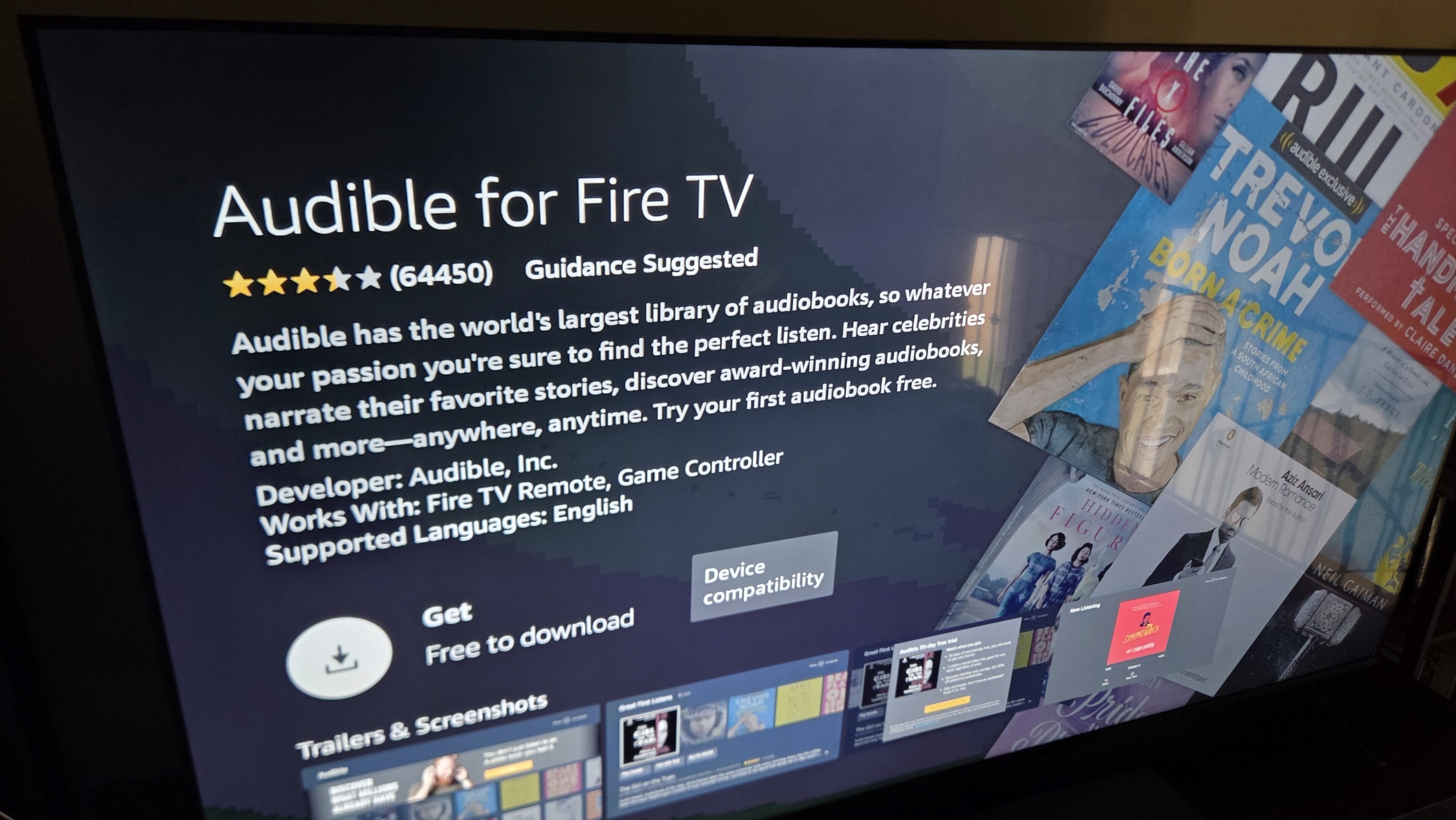
Yes, Audible has a dedicated app available for Fire TV devices. Downloading the app is a simple process involving just a few remote clicks, and once viewers sign in, they’ll be able to view their library and listen to their top audiobooks via their Fire TV device.
All current Fire TV devices running the most recent operating system software can download and use Audible.
How to download Audible on Fire TV
If you’re not sure how to install apps on your Fire TV device just yet, you can use our guide to get started.
Once you’re familiar with that process:
- Navigate to the Fire TV App Store.
- Search for the Audible app.
- On the app’s details page, click Get.
- Once the app is finished downloading, open it.
- Log in to your Audible account.
How to use Audible on Fire TV
Once you’ve got the Audible app downloaded on your Fire TV, it’s as easy to use the app as it is on any other device. You can use your Fire TV remote to navigate around the app, open your Audible Library, and pick an audiobook or podcast to start playback.
Alternatively, you can use Alexa in tandem with your Fire TV device to cut down on all the clicking around. Simply click and hold the Alexa button on your Fire TV remote, and say a command like “Alexa, play [book title] from Audible,” and the digital home assistant will do the rest.
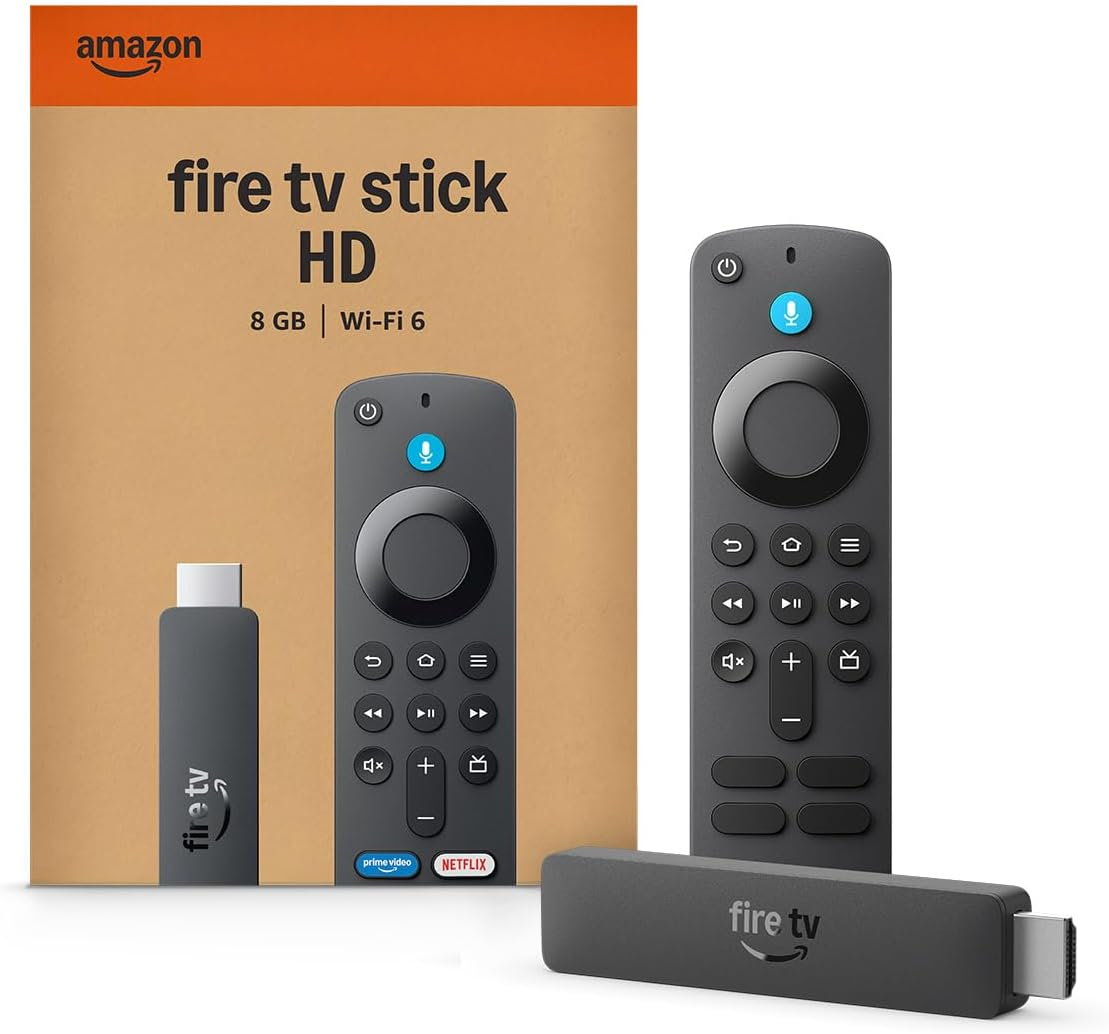
Fire TV streaming players
From $16
Fire TV streaming players bring together your favorite apps, live TV, and Alexa voice controls in one convenient device. Available in HD and 4K models, Fire TV offers options to suit a variety of entertainment needs and budgets. Save up to 67% on a new Fire TV for Black Friday!