How to use Pandora on smart TVs
How to use Pandora on smart TVs
We’ll give you all the details you need to know on how to download and use Pandora on your smart TV.

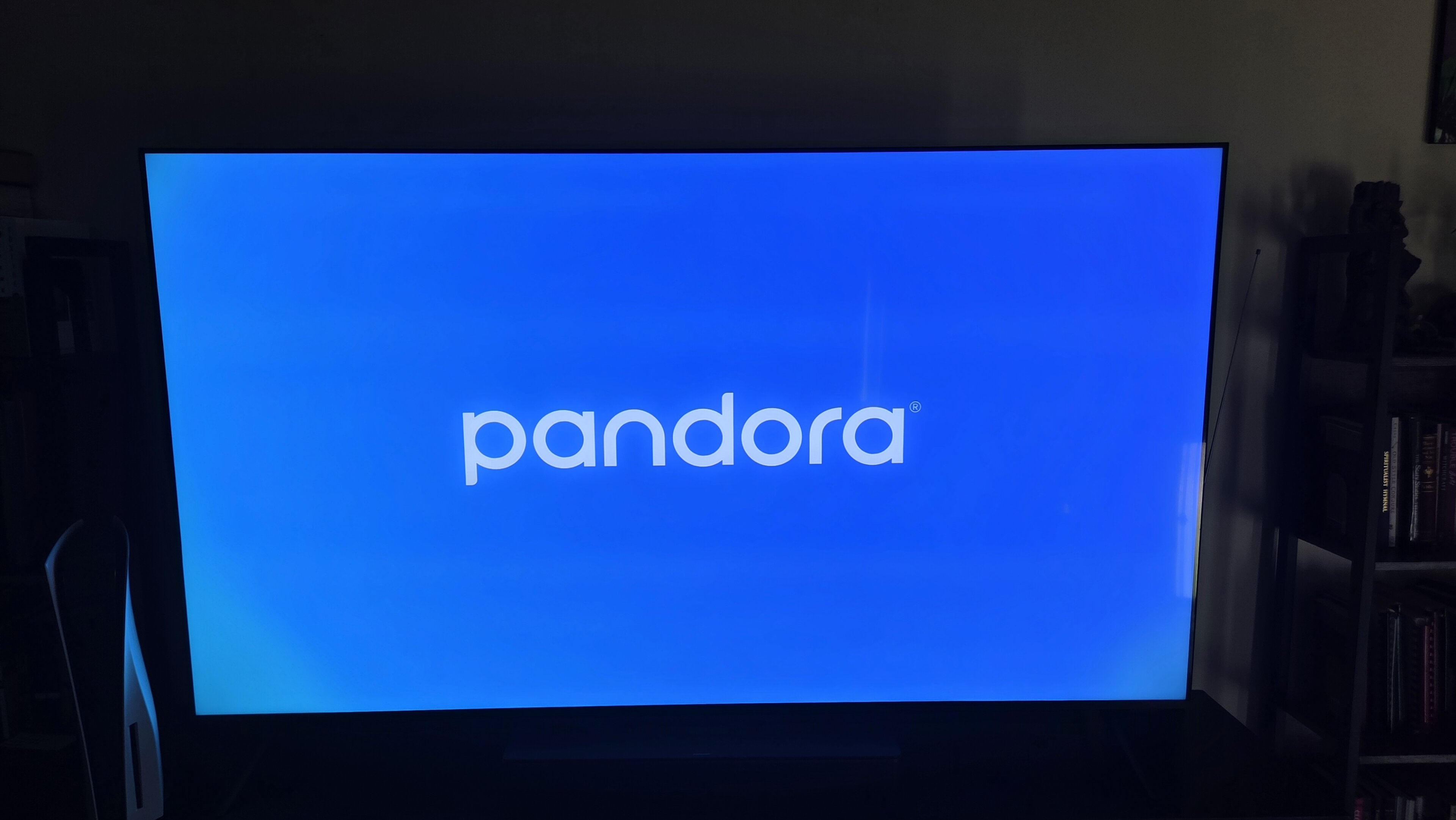
Having a Pandora account allows you to listen to millions of songs — not to mention your customized internet “radio” stations — anywhere you go. The Pandora mobile app unlocks the streamer’s whole catalog and lets you listen anywhere you have an internet connection.
But when you’re listening at home and want to experience the best possible audio quality, you might want to consider playing your favorite songs via your smart TV, especially if you have a high-caliber sound system. We’ll give you all the details you need to know about playing Pandora on your smart TV below in our comprehensive how-to guide.
What you need to know about using Pandora on a smart TV
Can you listen to Pandora on a smart TV?
Absolutely. Pandora makes smart TV apps for a variety of operating systems (see which ones below), allowing subscribers to download the streamer and listen to it on their TVs’ speakers, or on connected soundbars and speakers that can make a listening experience truly cinematic.
How to get Pandora on your smart TV
To get the Pandora app on your smart TV, all you’ll need is a working TV, a remote, and an internet connection.
To get Pandora on your smart TV:
- Open your smart TV’s app store.
- Search for Pandora with your remote buttons or voice controls.
- Download the Pandora app.
- Open the app and click Sign In.
- Follow on-screen prompts to link to your Pandora account.
You can also cast a Pandora account from a phone to any smart TV equipped with Google Cast, or any Apple TV 4K device via AirPlay.
Which smart TVs are compatible with Pandora?
Viewers can listen to the Pandora app on a large number of the most popular TV operating systems in the United States, including:
- Amazon Fire TV
- Android TV/Google TV
- Apple TV
- LG webOS
Why listen to Pandora on your smart TV?
Using Pandora on your smart TV instead of your phone or a connected Bluetooth speaker ensures the highest possible audio quality. While Pandora does not support Dolby Atmos or spatial audio, users can download the Pandora app on their TV and use connected speakers and soundbars to create true surround sound.
That’s perfect for turning your living room into your own private music festival, but it also lets you share your favorite tracks and Pandora radio stations with friends and family without forcing them to crowd around a small speaker to listen.
Listening to Pandora on your smart TV also frees up your phone for other uses. Browse for new songs and artists, order a snack to help complete your watch party, or text your friends to pester them to come and join you without interrupting your song or having to worry about draining your phone’s battery by using its speaker.